Research ScientistSnap 2020–2025
Snap Inc.Since 2016 · Active
Video Sound Control, Playback UI & Media Player
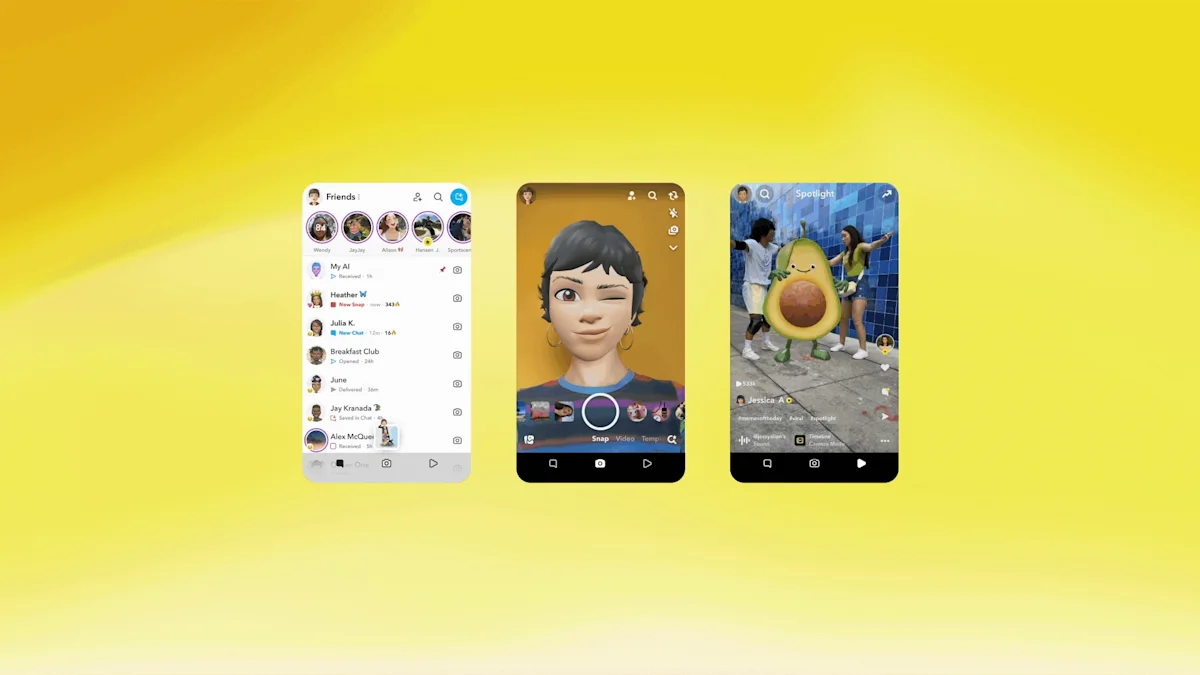
Mobile vertical video playback interface including intelligent video sound/mute control, playback scrubbing, looping, speed controls, and gesture-driven media transitions.
Who Shipped It (8)
Click any person to see their role, tenure, features, and connections.
IA IW Research ScientistSnap 2018–2025
ZR Research Scientist (Snap Research)Snap 2016–2019
NL Research ScientistSnap 2016–2022
NX Research Scientist (Snap Research)Snap 2015–2019
EY Research ScientistSnap 2018–2019
TY Research ScientistSnap 2018–2019
YL Research ScientistSnap 2017–2019
How Video Sound Control, Playback UI & Media Player Connects Across Snap
Click any person to see their collaborator network, or jump to related features built by the same team.
Product Area & Siblings
Part of
Camera & Creative Editing Tools
230 builders · 419 patents
You Are Here · 2016
Video Sound Control, Playback UI & Media Player
People Behind Video Sound Control, Playback UI & Media PlayerAll 48 ↓
Built by the Same People
- Camera Viewfinder, Captions, Doodles & Scissors Stickers19 in common
170 builders · 294 patents
- Chat 2.0, Group Video Chat & Messaging UX18 in common
169 builders · 318 patents
- Spotlight Short-Form Feed, Remix & Unified Feed15 in common
99 builders · 90 patents
- Snapcodes, Visual Scan & Voice Scan12 in common
159 builders · 278 patents
- Discover Channels, Happening Now & Dynamic Stories12 in common
46 builders · 41 patents
Click anyone below to see who they worked with on Video Sound Control, Playback UI & Media Player, or open their profile to explore their full collaborator network.
Nathan Kenneth Boyd
Product Manager · 15 patents on this feature
Co-Invented Here With (9)
View collaboration connections table (16 pairs)
Go Deeper
Feature timeline & R&D waves
How Video Sound Control, Playback UI & Media Player Evolved Through Time
Product milestones paired with year-by-year R&D patent waves and the specific capabilities laddering into this feature. Click any milestone, year bar, or capability pill to drill into its patents and builders.
Historical Product Milestones
SEC / Launch Source- 2016Looping & playback speed filters
Patent Filing Waves by Year
Launch: 2016Click any year bar to inspect its filings and builders inline. Highlighted bar marks public launch year; muted bars reflect pre-launch R&D.
Specific Technical Capabilities Patented Inside Video Sound Control, Playback UI & Media Player
Click a capability to filter patentsSelect any milestone, year bar, or technical capability above to inspect its exact patents & builders here.
Official launch disclosure (2016–2025 · Core App Media Player)
“Core full-screen vertical video player UX powering auto-play audio/sound controls, tap-to-advance scrubbing, looping, playback speed, and seamless Stories/Spotlight playback.”Source Filing
Underlying public patents (46, showing newest 25)
- US20260189763A1Patent App (PGPub)View Filing
VIDEO SOUND CONTROL
When videos play automatically in sequence, the player tracks whether audio is muted. It selectively shows an indicator so viewers understand why a video is silent.
- US20260164082A1Patent App (PGPub)View Filing
REAL TIME REWIND PLAYBACK
Plays video backward without loading the entire file into memory. The player loads and displays successive earlier segments as the rewind proceeds.
- US20250199674A1Patent App (PGPub)View Filing
SIMULATED INTERACTIVE PANORAMAS
Landscape video plays through a portrait-shaped viewing window. A movable control lets viewers pan across the wider scene while playback continues.
- US20250168498A1Patent App (PGPub)View Filing
TRIMMING VIDEO WITHIN A MESSAGING SYSTEM
After recording a video, users can open a frame-by-frame preview bar and drag its start and end handles to shorten the clip. The preview interface also provides access to playback options.
- USAPP-PCTUS2024018776Patent App (PGPub)View Filing
REAL TIME REWIND PLAYBACK
Plays video backward without loading the entire file into memory. The player loads and displays successive earlier segments as the rewind proceeds.
- US12238410USPTO GrantView Filing
TRIMMING VIDEO WITHIN A MESSAGING SYSTEM
After recording a video, users can open a frame-by-frame preview bar and drag its start and end handles to shorten the clip. The preview interface also provides access to playback options.
- US12176005USPTO GrantView Filing
ADVANCED VIDEO EDITING TECHNIQUES USING SAMPLING PATTERNS
A selected pattern determines how many frames are taken from each part of a video. The resulting clip can speed up or slow down over time and be previewed before sharing.
- US12135862USPTO GrantView Filing
MEDIA CONTENT PLAYER ON AN EYEWEAR DEVICE
Lets a glasses wearer navigate media controls by sliding one finger on the eyewear's touch surface. Keeping the finger down reveals related controls that can be selected with further movement.
- US12020729USPTO GrantView Filing
SUMMARY INFORMATION DISPLAY DURING VIDEO SEQUENCE PLAYBACK
After a viewer skips a video, the player briefly shows a summary before advancing. Tapping the summary lets the viewer resume the skipped video.
- US12143747USPTO GrantView Filing
SUBTITLE PRESENTATION BASED ON VOLUME CONTROL
When a viewer turns the device volume down to mute, the video player automatically displays subtitles. This lets viewers continue following videos without sound.
- US11934636USPTO GrantView Filing
VOICE DRIVEN DYNAMIC MENUS
Checks whether a video contains speech and changes the available menu accordingly. Users can then choose an appropriate audio or video action.
- US12563258USPTO GrantView Filing
REAL TIME REWIND PLAYBACK
Plays video backward without loading the entire file into memory. The player loads and displays successive earlier segments as the rewind proceeds.
- US11862199USPTO GrantView Filing
ADVANCED VIDEO EDITING TECHNIQUES USING SAMPLING PATTERNS
A selected pattern determines how many frames are taken from each part of a video. The resulting clip can speed up or slow down over time and be previewed before sharing.
- US12587712USPTO GrantView Filing
VIDEO SOUND CONTROL
When videos play automatically in sequence, the player tracks whether audio is muted. It selectively shows an indicator so viewers understand why a video is silent.
- US11908489USPTO GrantView Filing
TAP TO ADVANCE BY SUBTITLES
Lets viewers tap to jump to the next subtitle segment rather than skipping an arbitrary amount of video. Playback advances to the time associated with that segment.
- US11749230USPTO GrantView Filing
ROTATIONAL IMAGE VIEWER
The viewer automatically enlarges or reduces an image as the phone rotates. It keeps the screen filled with image content instead of adding black bars.
- US11695899USPTO GrantView Filing
SUBTITLE PRESENTATION BASED ON VOLUME CONTROL
When a viewer turns the device volume down to mute, the video player automatically displays subtitles. This lets viewers continue following videos without sound.
- USAPP-PCTUS2021064965Patent App (PGPub)View Filing
TRIMMING VIDEO WITHIN A MESSAGING SYSTEM
After recording a video, users can open a frame-by-frame preview bar and drag its start and end handles to shorten the clip. The preview interface also provides access to playback options.
- US11812136USPTO GrantView Filing
TRIMMING VIDEO WITHIN A MESSAGING SYSTEM
After recording a video, users can open a frame-by-frame preview bar and drag its start and end handles to shorten the clip. The preview interface also provides access to playback options.
- US12277310USPTO GrantView Filing
SIMULATED INTERACTIVE PANORAMAS
Landscape video plays through a portrait-shaped viewing window. A movable control lets viewers pan across the wider scene while playback continues.
- USAPP-PCTUS2021072959Patent App (PGPub)View Filing
MEDIA CONTENT PLAYER ON AN EYEWEAR DEVICE
Lets a glasses wearer navigate media controls by sliding one finger on the eyewear's touch surface. Keeping the finger down reveals related controls that can be selected with further movement.
- USAPP-PCTUS2021051087Patent App (PGPub)View Filing
ROTATIONAL IMAGE VIEWER
The viewer automatically enlarges or reduces an image as the phone rotates. It keeps the screen filled with image content instead of adding black bars.
- US11704893USPTO GrantView Filing
SEGMENT ACTION DETECTION
Finds a complete action within a longer video by recognizing its successive phases. Playback shows the matching sequence and skips unrelated footage.
- US11782577USPTO GrantView Filing
MEDIA CONTENT PLAYER ON AN EYEWEAR DEVICE
Lets a glasses wearer navigate media controls by sliding one finger on the eyewear's touch surface. Keeping the finger down reveals related controls that can be selected with further movement.
- US11668937USPTO GrantView Filing
PROCESSING A MEDIA CONTENT BASED ON DEVICE MOVEMENT
Uses device movement to rotate the displayed video and reveal the portion corresponding to that movement. This lets viewers change their viewing orientation while watching captured media.